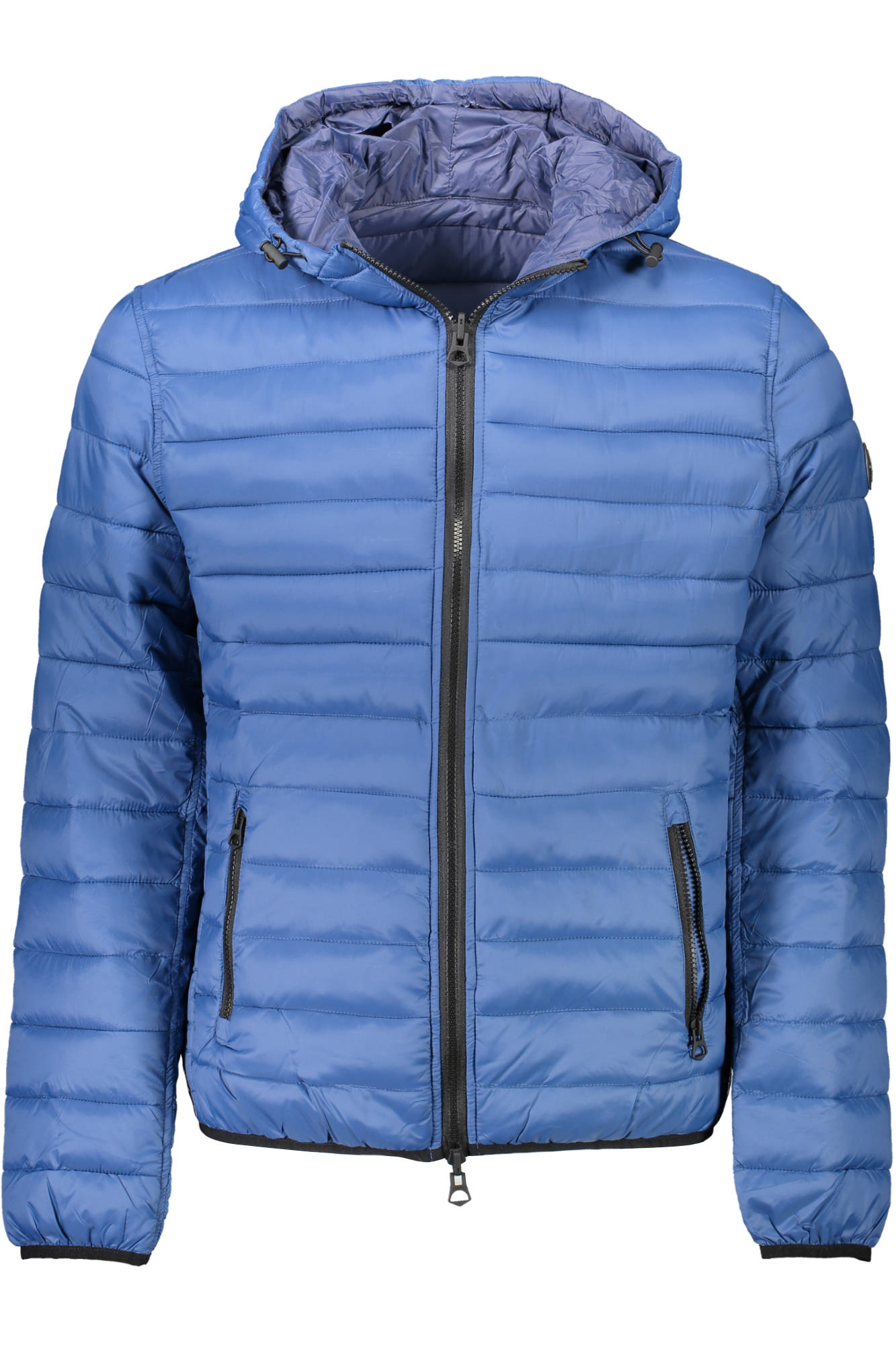
U.S. Polo Assn. blue hooded jacket
Blue U.S. Polo Assn. men’s hooded jacket. Model 60614-46019. Fabric: 50% nylon, 50% polyester.
A short source description. This demo product had no SEO or tags.
YOUR SHOPIFY CATALOG. ONE WORKSPACE.
AI product images, descriptions, SEO and tags from the information already in your Shopify store. Prepare one item or a batch, then review and approve before publishing.
Submitted for Shopify App Store review on 7 October 2026. Public installation is pending publication.
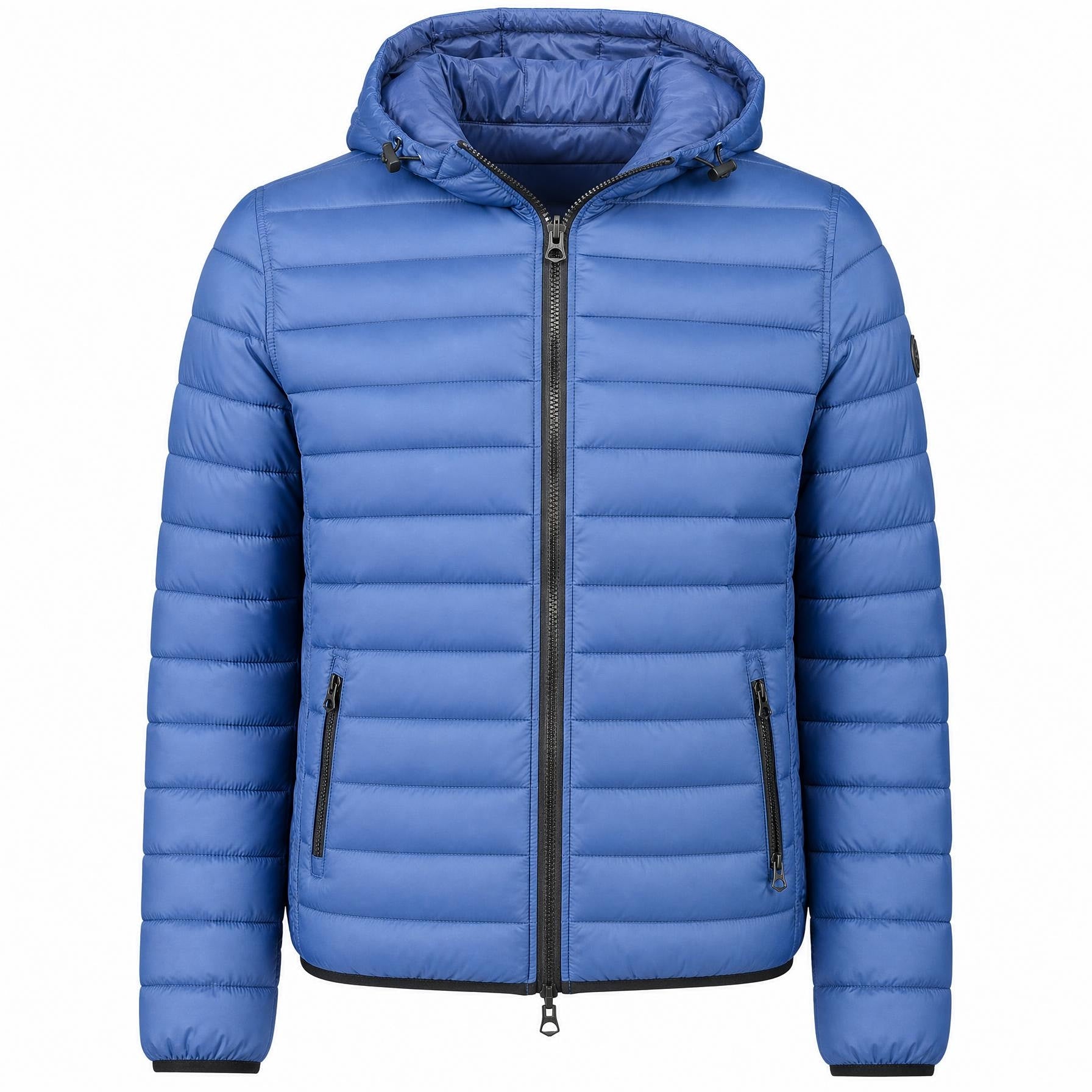
An old catalog photo with wrinkles and an uneven silhouette. Rezivelo prepared the result from the same original.
Blue U.S. Polo Assn. men’s hooded jacket. Model 60614-46019. Fabric: 50% nylon, 50% polyester.
A short source description. This demo product had no SEO or tags.
This U.S. Polo Assn. men’s hooded jacket in blue features a solid-color design with horizontal quilted stitching. Model 60614-46019 has contrasting black zipper details.
50% nylon and 50% polyester. The model number and fabric composition are preserved from the source description.
U.S. Polo Assn. Blue Hooded Jacket Model 60614-46019
Meta descriptionShop the U.S. Polo Assn. men’s blue hooded jacket model 60614-46019 made of 50% nylon and 50% polyester with quilted design and zippered pockets.
Image + description, SEO and tags = 2 credits.
Actual app run on 8 October 2026. The source description was deliberately kept short for this demonstration; the AI content shown has been reviewed and edited. Results vary. Check colors, logos and product facts before publishing.
IMAGES, TEXT OR BOTH
Prepare product images from existing Shopify product photos, compare the result, and approve before publishing.
Explore the workflow →Draft descriptions in a selected language using existing product details, with optional sections and merchant review before publishing.
Explore the workflow →Prepare product SEO titles, meta descriptions and catalog tags alongside accurate product description drafts in Shopify.
Explore the workflow →Filter your Shopify catalog and queue up to 100 products for images, descriptions, SEO and tags, with credit estimates and review controls.
Explore the workflow →Filter by vendor, product type or tags. Select the products and photos you want to prepare.
product images, a product content package, or both. Choose a content language and optional sections.
Check the images and product facts. Approve the result and publish selected fields. Keep backups and restore originals when needed.
Three-minute edited walkthrough from actual app captures, with English captions. It shows catalog selection, content review, credits and batch preparation.
ONE SHARED CREDIT BALANCE
Product image: 1 credit. Description + SEO + tags: 1 credit per product.
$49 USD / month
100 shared credits per billing cycle
Images, content or both. Review before publishing. Original restoration.
$99 USD / month
250 shared credits per billing cycle
Images, content or both. Review before publishing. Original restoration.
$169 USD / month
500 shared credits per billing cycle
Images, content or both. Review before publishing. Original restoration.
$299 USD / month
1000 shared credits per billing cycle
Images, content or both. Review before publishing. Original restoration.
For example, Starter can cover 100 content packages, 100 HD images, or 25 products with three HD images and one content package each. These are alternative uses of the same 100 credits, not separate allowances. Final currency, taxes and terms are shown by Shopify before approval.
Image trial: 1 product image + 1 description, SEO and tags package. The trial includes one content package. Additional work requires a paid plan. Unused credits do not roll over; restoring or discarding finished results does not refund generation credits.
PRACTICAL PRODUCT CONTENT
Learn how to prepare consistent product photos and accurate descriptions using our real jacket example.
Read the product description guide →Read the product photo background guide →
Read the bulk product preparation guide →
It prepares existing Shopify product images and product content: descriptions, SEO titles, meta descriptions and tags. Select images, text or both, then review and approve before publishing.
Product image: 1 credit. Description + SEO + tags: 1 per product. Three images plus one content package use 4 credits.
One product image and one description, SEO and tags package.
Yes. Select an available output language and the sections you want included. The app interface is available in English, Lithuanian and Russian.
No. You review the drafts and explicitly approve publishing. AI can change image details or introduce inaccurate text, so check the result against the real product.
No. Completed generation consumes credits even if you discard it or restore the original. Technical failures release reserved credits. Unused plan credits do not roll over.
This version integrates with Shopify. WooCommerce and other platform integrations are not currently offered.
Public App Store availability is pending Shopify review. The application was submitted on 7 October 2026. Existing installed users can open it in Shopify Admin; a public installation link will be added after publication.
Public installation will be linked here after App Store publication. Already installed? Open Rezivelo Product Studio from the Apps menu in Shopify Admin.
Open Shopify Admin Contact support